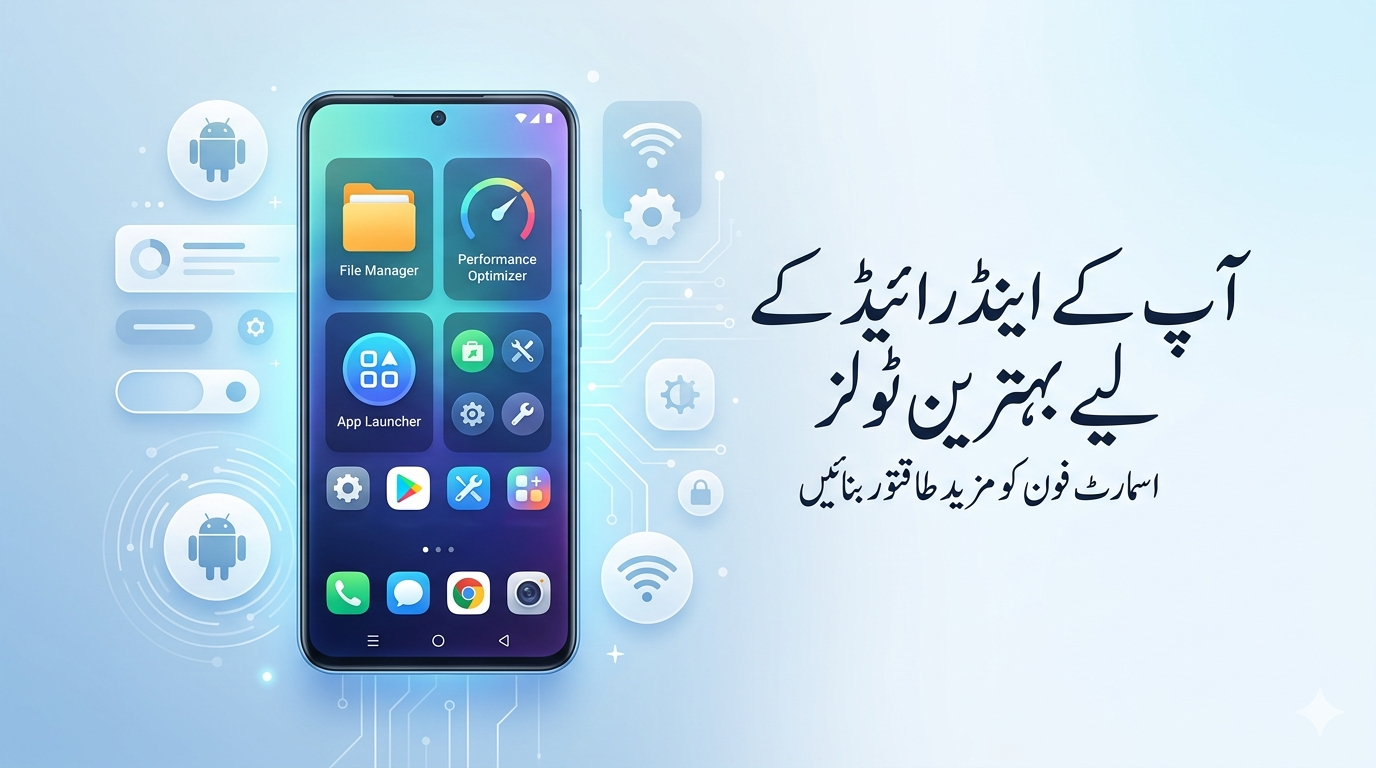
Apkcheers Best Android Utility Tools In today’s digital lifestyle, smartphones are more than just communication devices—they are powerful tools for work, organization, and everyday tasks. If you want to get the most out of your device, choosing Apkcheers Best Utility Apps for Android can completely upgrade your experience.
This guide is designed to help you discover reliable, safe, and high-performing apps that improve speed, battery life, and productivity—all written in simple, user-friendly language.
What Are Utility Apps?
Utility apps are tools that improve your phone’s performance and usability. Instead of entertainment, they focus on solving daily problems and making your device more efficient.
Key Benefits of Utility Apps
-
Improve device performance
-
Extend battery life
-
Organize files and storage
-
Increase productivity
-
Enhance privacy and security
Apkcheers Best Utility Apps for Android (Top Picks 2026)
1. File Management Apps
Without proper tools, managing files can become messy.
Top Apps:
-
Google Files – Lightweight and easy to use
-
Solid Explorer – Advanced file management with cloud support
Why it matters: Helps you organize downloads, media, and documents easily.
2. Cleaning & Optimization Apps
Your phone collects junk files over time.
Best Choices:
-
CCleaner – Removes cache and unused data
-
SD Maid – Deep cleaning for better performance
Benefits:
-
More storage space
-
Faster performance
-
Reduced lag
3. Battery Saver Apps
Battery performance is crucial for daily use.
Recommended Apps:
-
AccuBattery – Tracks battery health
-
Greenify – Controls background apps
Why important: Extends usage time and improves battery health.
4. Productivity Apps
Staying organized helps you save time.
Must-Have Apps:
-
Evernote – Notes and planning
-
Microsoft To Do – Task management
Features:
-
Task reminders
-
Cloud sync
-
Easy organization
5. Security & Privacy Apps
Your personal data needs protection.
Top Security Apps:
-
Avast Mobile Security – Antivirus protection
-
NordVPN – Secure internet browsing
Why use them: Protects against hackers and malware.
6. Cloud Storage Apps
Running out of storage? Cloud is the solution.
Best Options:
-
Google Drive – Seamless Android integration
-
Dropbox – File sharing and backup
Benefits:
-
Access files anywhere
-
Backup important data
-
Easy sharing
7. Password Manager Apps
Managing multiple passwords can be risky.
Recommended Apps:
-
LastPass – Secure password storage
-
Bitwarden – Open-source and safe
Advantages:
-
Strong encryption
-
Easy login access
-
Sync across devices
8. Automation Apps
Automation saves time by handling tasks for you.
Top Picks:
-
Tasker – Advanced automation
-
IFTTT – Connect apps and services
Examples:
-
Auto Wi-Fi at home
-
Night silent mode
-
Auto backups
9. Scanner & QR Code Apps
Scanning is now part of daily tasks.
Best Apps:
-
Adobe Scan – High-quality document scanning
-
QR Code Reader – Fast scanning
10. Network & Speed Test Apps
A good internet connection is essential.
Top Tools:
-
Speedtest by Ookla – Accurate speed checks
-
NetX Network Tools – Detailed network insights
Quick Overview Table
| Category | Best Apps | Key Benefit |
|---|---|---|
| File Manager | Google Files, Solid Explorer | Organize storage |
| Cleaner | CCleaner, SD Maid | Boost performance |
| Battery | AccuBattery, Greenify | Save battery |
| Productivity | Evernote, To Do | Stay organized |
| Security | Avast, NordVPN | Protect data |
| Cloud Storage | Drive, Dropbox | Backup & access files |
| Passwords | LastPass, Bitwarden | Secure accounts |
| Automation | Tasker, IFTTT | Save time |
To get the best results from Apkcheers Best Utility Apps for Android, follow these tips:
-
Check user reviews and ratings
-
Choose apps with real useful features
-
Avoid installing too many apps
-
Always download from trusted sources
Pro Tips for Better Performance
-
Keep apps updated
-
Avoid duplicate apps
-
Clean your device regularly
-
Review app permissions
-
Use automation carefully
Mistakes to Avoid
-
Installing too many utility apps
-
Ignoring permissions
-
Using outdated apps
These mistakes can slow down your device and reduce security.
Future Trends in Utility Apps
The future of Apkcheers Best Utility Apps for Android looks promising with:
-
AI-based optimization
-
Smarter automation
-
Better privacy controls
-
Seamless multi-device integration
Final Words
Using Apkcheers Best Utility Apps for Android is one of the smartest ways to improve your smartphone experience. These apps help you stay organized, secure, and productive while keeping your device fast and efficient.